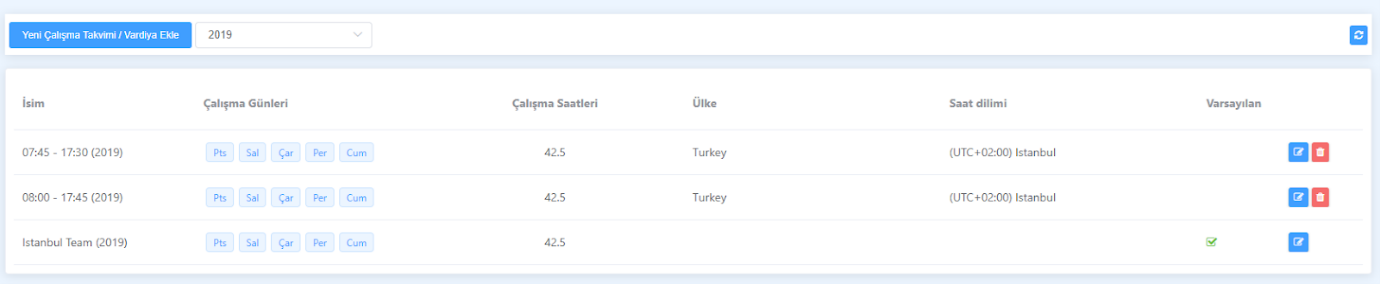
Listing Work Schedules
This article is a machine-translated draft and will be reviewed shortly.
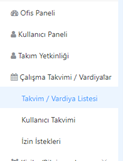
By clicking the “Schedule / Shift List” option located under the “Work Schedule / Shifts” tab in the left panel of the Berqun application, you can view your existing work schedules. This way, you can quickly see which schedules have been created and are in use.
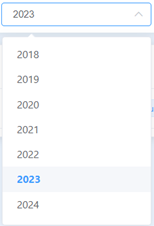
By default, the work schedules for the current year are automatically listed. However, if you’d like to review schedules from other years, you can use the year filter at the top of the list to view schedules from those years.
This feature helps you organise your schedules better and compare work schedules across different years.