How to Configure Screenshot Settings in Berqun
This article is a machine-translated draft and will be reviewed shortly.
The screenshot capture option in Berqun is optional. It is enabled at the customer’s request when Berqun is installed.

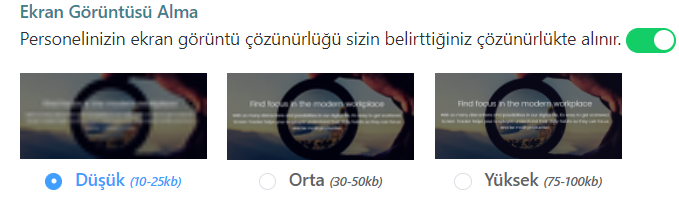
To enable the screenshot capture option, you can follow the steps User Panel Settings Berqun Application. On the screen that appears, simply enable the “Take Screenshot” button.
The screenshots are captured at the resolutions you specify. You can choose from low, medium, and high options. These screenshots may take up more space depending on their size.