
Employee List
This article is a machine-translated draft and will be reviewed shortly.
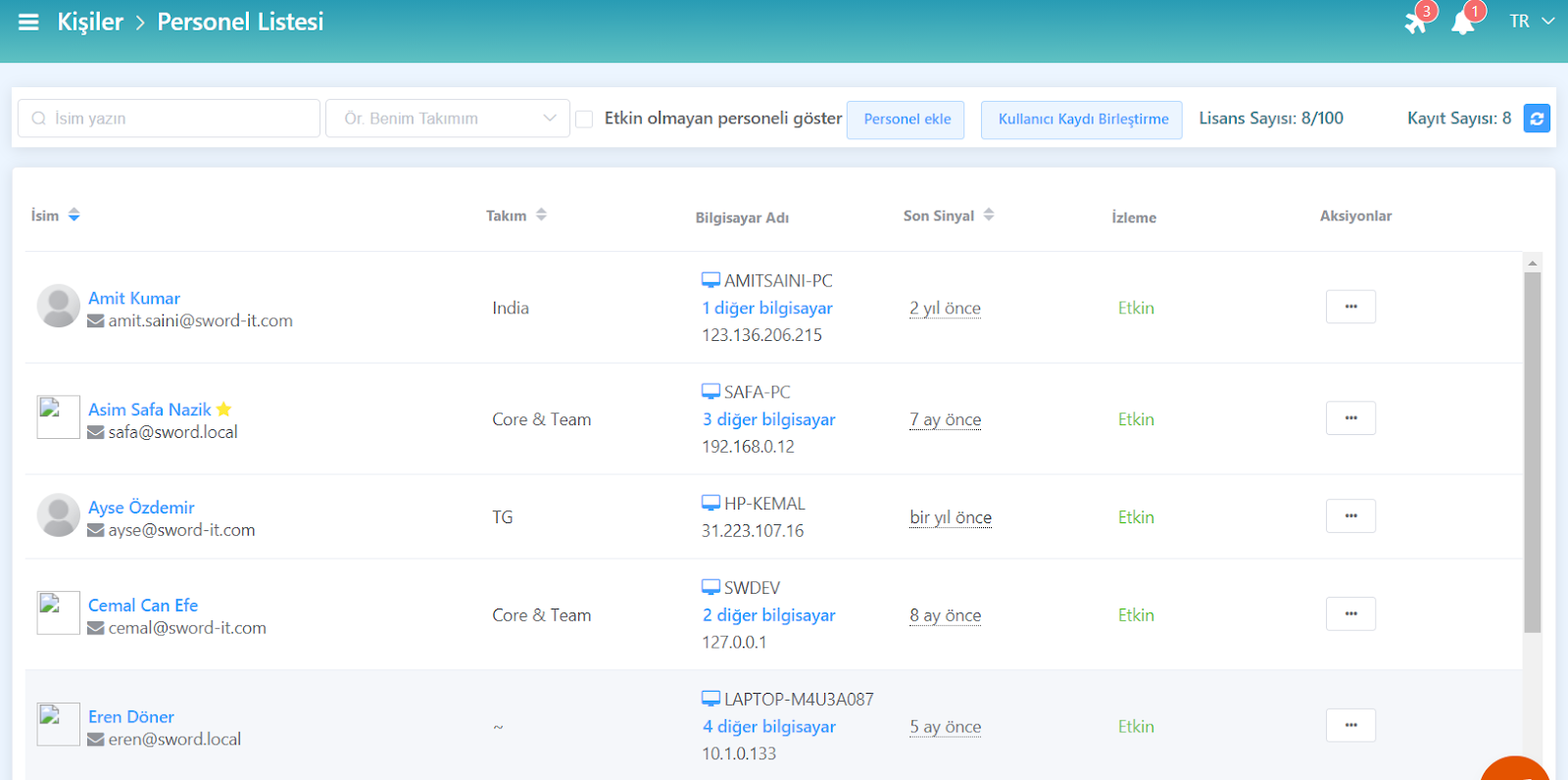
You can view the full list of employees whose productivity is tracked with the Berqun application installed from this screen. Basic information such as each employee’s name, surname, position, and contact details is displayed here.
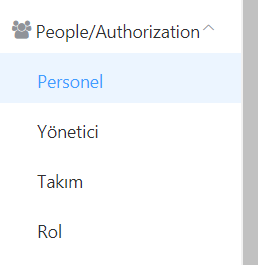
- On the Berqun panel, first click on the “People and Permissions” option.
- Here, the employee, manager, team and role options appear. Click on the employee option.
- You can view your employees in a listed format on the window that opens.
So, do you know in which ways you can search to find your employees more easily? Here is “Employee List Search Options”