
How to Get the Activity Timeline?
This article is a machine-translated draft and will be reviewed shortly.
Berqun’s Activity Timeline shows which sites your employees visited and at what times, the window names, and whether these applications are productive or unproductive. In addition, you can see whether they were used during working hours or outside of them.
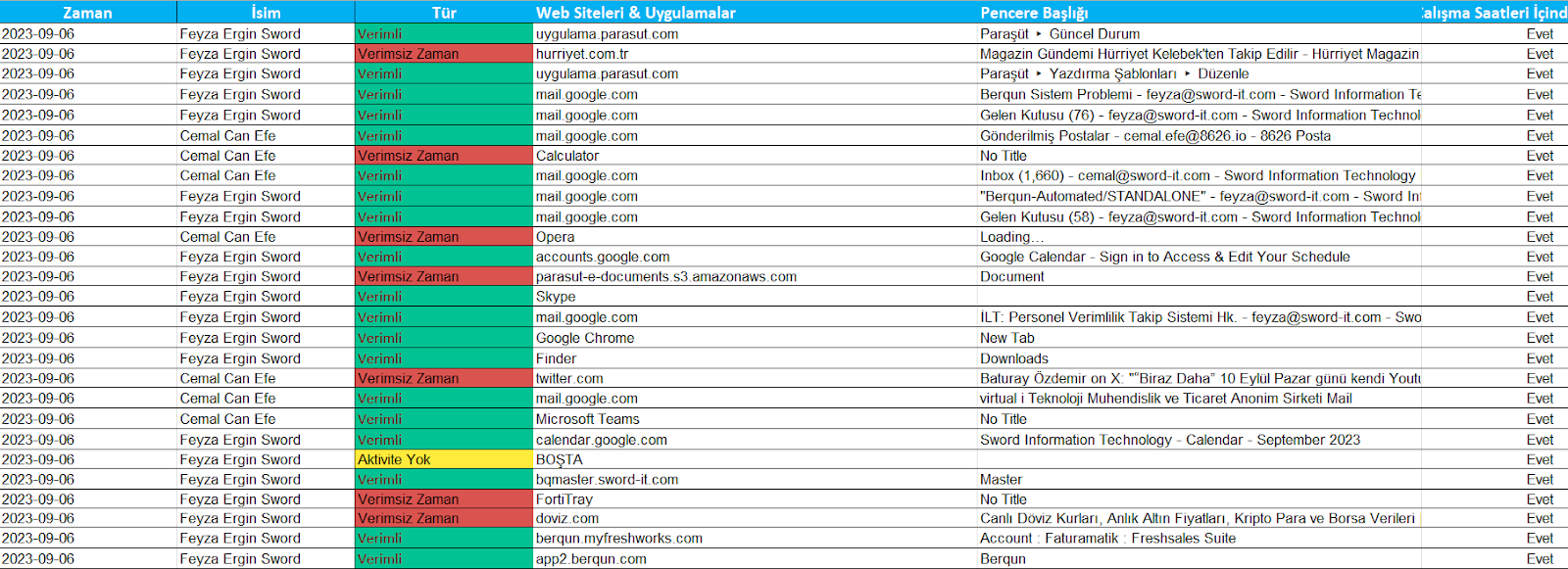
Here are the steps to get the activity timeline:
- From the user panel, go to the Reports tab and click the Monthly Overtime button.
- Set a date to generate the report and press the Export to Excel button.

You may also be interested in: How to Get the Users and Computers Report?