
How to Edit a New Work Schedule?
This article is a machine-translated draft and will be reviewed shortly.
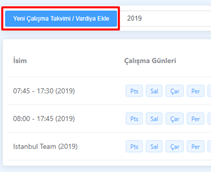
Click the “Add New Work Schedule / Shift” button in the top-left corner of the list that opens on the right side.
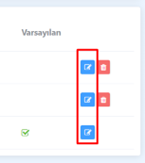
In the list that opens on the right side of the schedule, click the “Edit” button located in the right corner of each row.
From here, you can edit the contents of the work schedule you have selected.
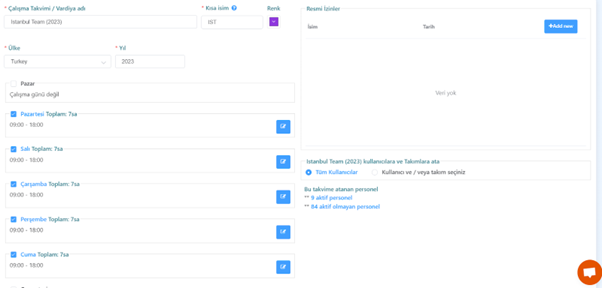
By following these steps, you can create a new work schedule. So how can you edit the new work schedule you’ve created? For that, you can read our content titled “How to Delete a Work Schedule?” right away.