
How to Get the Monthly Overtime Report?
This article is a machine-translated draft and will be reviewed shortly.
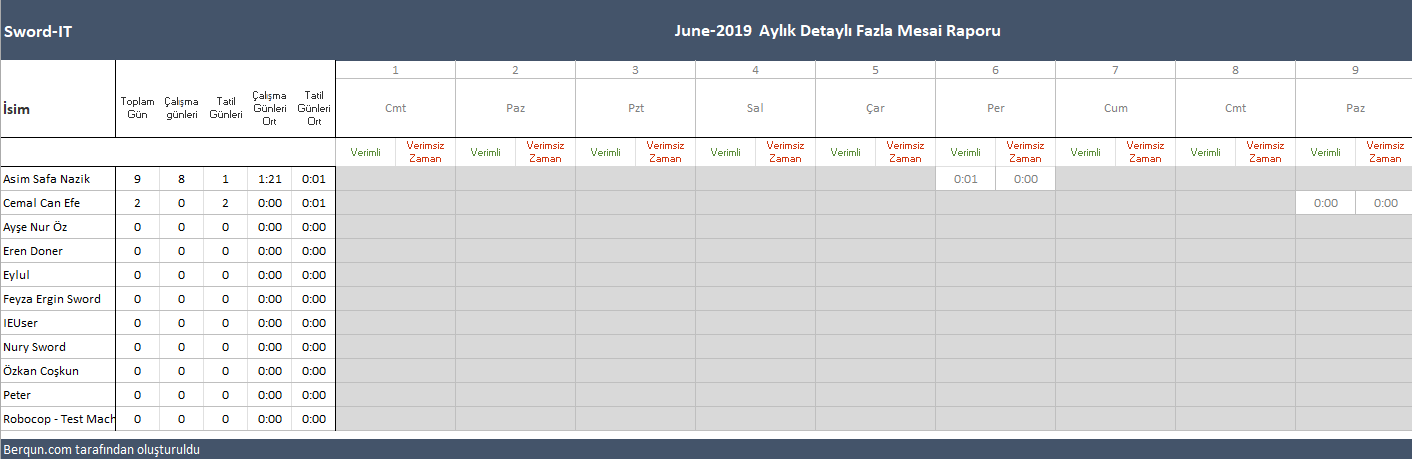
Berqun’s Monthly Overtime Report is a comprehensive report you can use to monitor your employees’ total working days, holidays, working day averages, and holiday averages. This report is a highly effective tool for examining work details within a specific month or a specific date range.
Here are the steps to get the monthly overtime report:
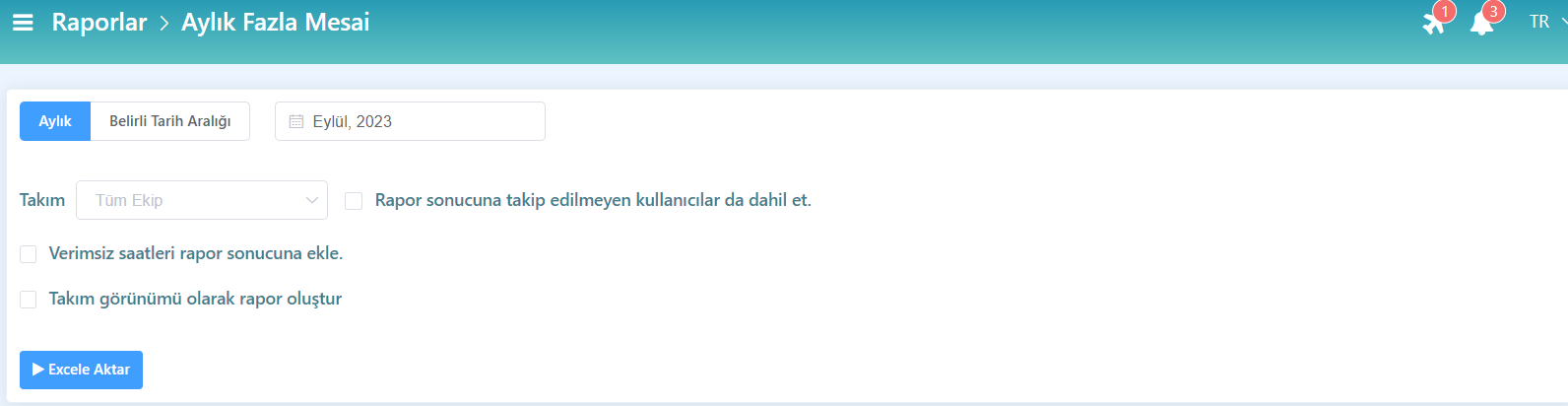
- From the user panel, go to the Reports tab and click the Monthly Overtime button.
- Set a date to generate the report, select a team, then press the Export to Excel button.
- In the report, you can view the total working days, holidays, working day averages, and holiday averages of the employees in the selected team.
You may also be interested in: How to Get the Activity Timeline?