
Updating an Employee Profile
This article is a machine-translated draft and will be reviewed shortly.
You can quickly update employee profiles in the Berqun system. Through this process, employees’ information can be kept up to date and managed correctly.
- Open the People and Permissions option on the Berqun panel and select Employee.
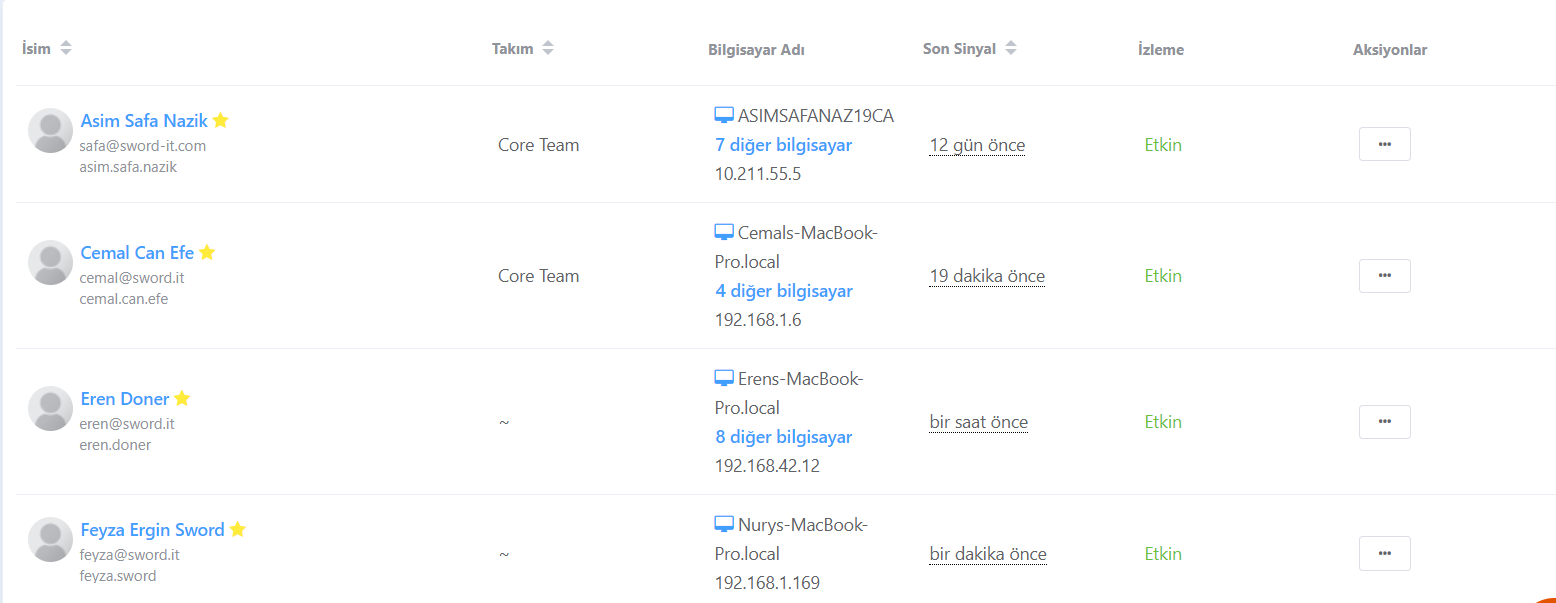
- On the screen that appears, go to the column with user names and click the Edit button.

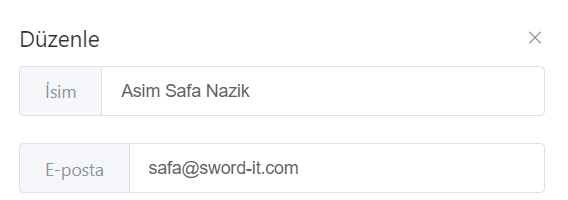
- From here, you can quickly update your user’s information.
If you want to make password changes, permissions, or more detailed adjustments regarding your users, you can review our content titled “Employee List Actions”.