Employee List Actions
This article is a machine-translated draft and will be reviewed shortly.
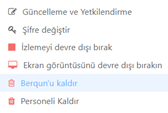
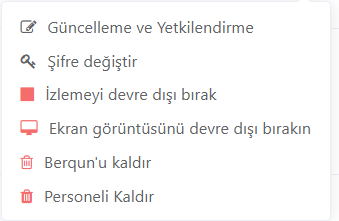
You can perform various actions on employee records. We have listed these actions and how you should proceed for you below:
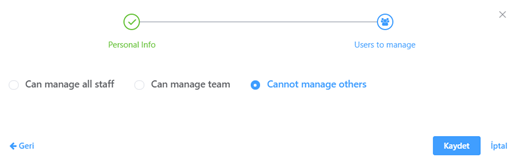
Updating Employee Information and Permissions
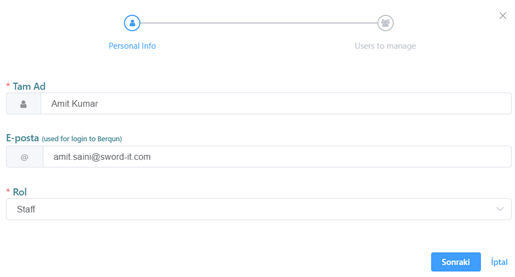
You can update employees’ information such as name-surname, email and also assign their access permissions. This way, you can ensure that each employee is in the system with the correct information.
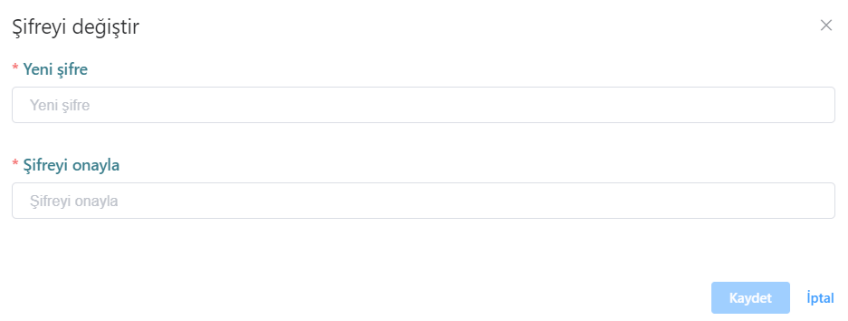
Changing the Employee’s System Login Password
You can assign or change employees’ login passwords. This is important to ensure secure access, and you can maintain security standards by regularly updating employees’ passwords.
What Are the Berqun Agent Application Actions?
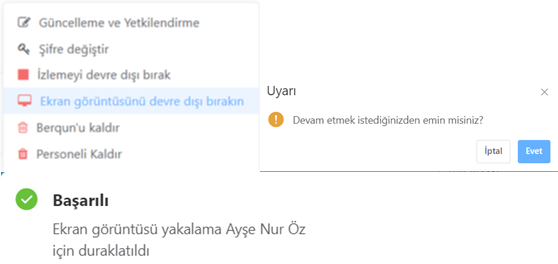
You can take various actions to manage the Berqun agent application. You can stop tracking the agent application, restart it, or activate or deactivate screenshot capture. These features provide flexibility in tracking and managing employees’ activity.
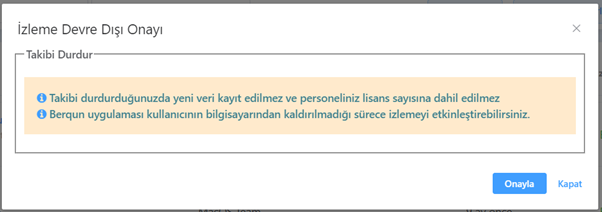
Stopping / Starting the Berqun Agent Application Tracking
The Berqun agent application is located on employees’ computers and collects work data. The tracking of this agent can be temporarily or permanently stopped or started. However, stopping tracking should be done carefully as it may cause data loss.
Activating / Deactivating Screenshot Capture in the Berqun Agent Application
The Berqun agent application can optionally take screenshots from the employee’s computer at certain intervals. This feature allows you to monitor employees’ work processes and activities in more detail. However, this feature may cause privacy concerns in some cases.
Deactivating Screenshot Capture
You can deactivate screenshot capture for the selected employee. In this case, the employee’s computer screen is no longer recorded.
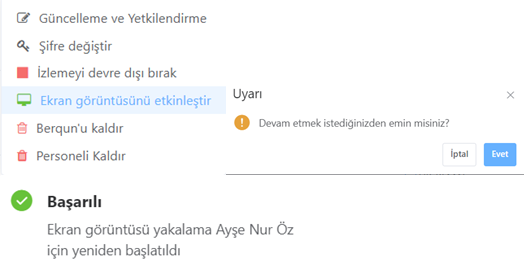
Activating Screenshot Capture
You can activate screenshot capture for the selected employee. This way, the employee’s computer screen is recorded at certain intervals.
Removing the Berqun Agent Application from the Computer Where It Is Installed
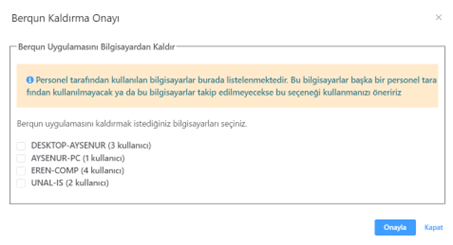
The Berqun agent application can be installed on employees’ computers. However, sometimes this application may need to be removed. It should be remembered that when the application is removed from the computer where it is installed, it may also affect other employees using the same computer. This process should be done carefully and necessary precautions should be taken.