Screenshots
This article is a machine-translated draft and will be reviewed shortly.
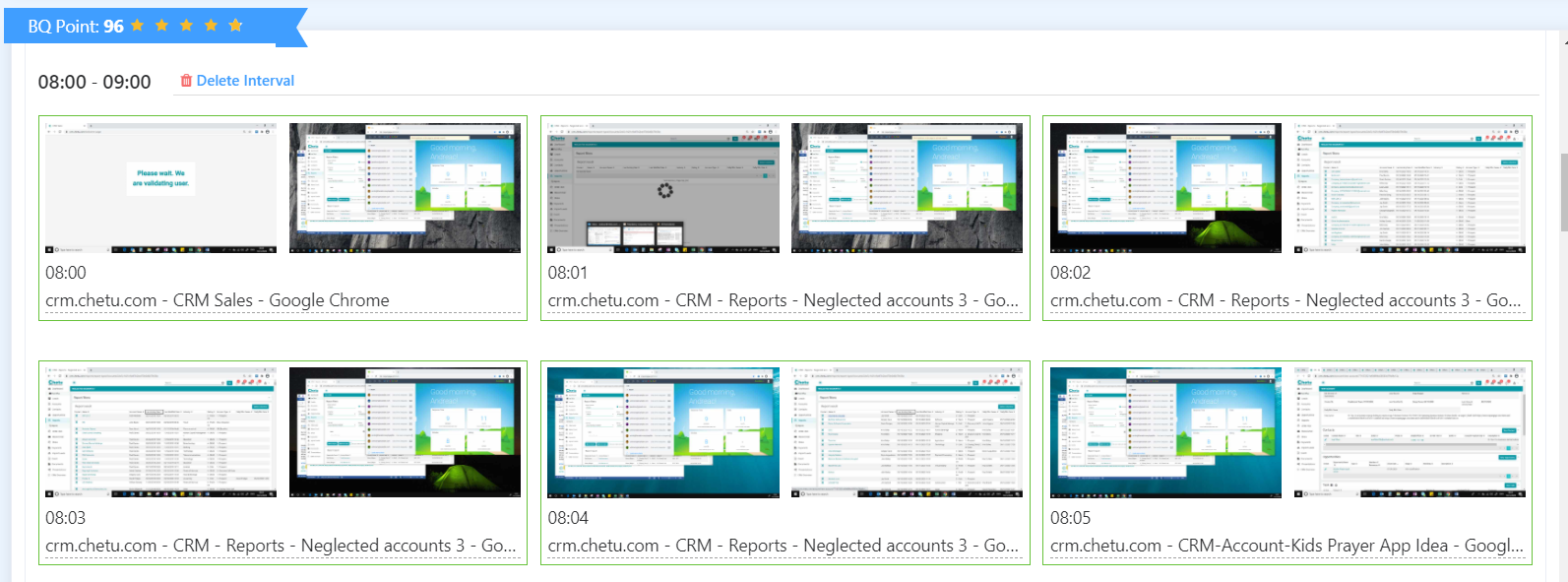
Berqun can optionally capture a screenshot once a minute in low, medium, or high resolution. This feature lets you take a closer look at an employee’s computer activity.
- In the User Panel, go to the selected employee’s profile.
- In the “Screenshots” section, you can view the screenshots that were optionally captured.