
How to Get the Office Activities Report?
This article is a machine-translated draft and will be reviewed shortly.
You can use the Office Activities Report to regularly monitor your office’s activities and identify the most frequently used activities. This report analyses all employees’ monthly activities and lists the top 100 most popular activities.
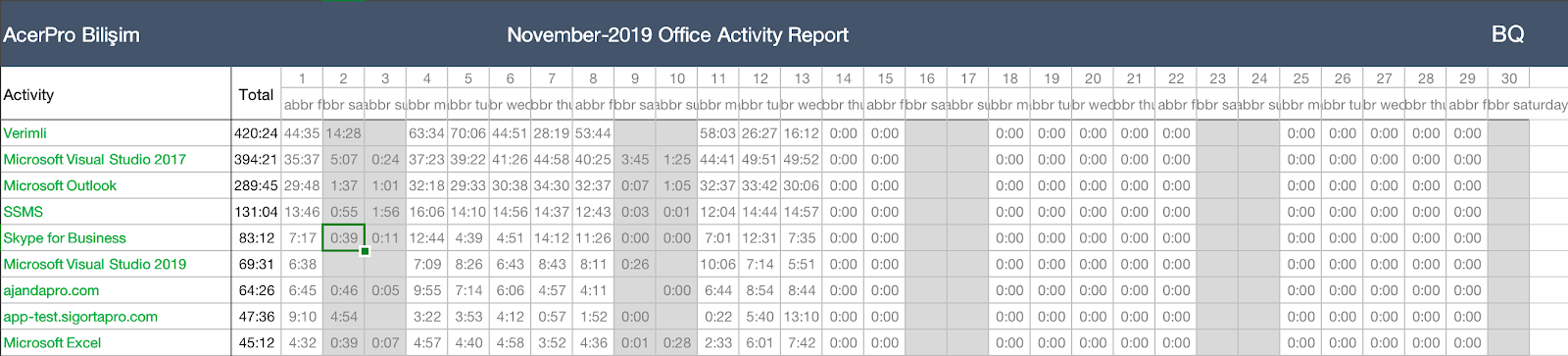
Here are the steps to get the office activities report:
- To access the reports, go to the Reports tab from the user panel and click the Office Activities button.
- Set a date to generate the report and press the Export to Excel button.
- The report lists the top 100 activities most used by all employees.