Daily Activities
This article is a machine-translated draft and will be reviewed shortly.
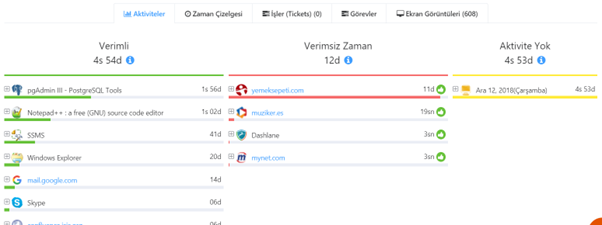
A summary view of activities is available in the ” Activities ” tab. This way you can quickly review the employee’s daily workflow.
- In the User Panel, go to the selected employee’s profile.
- By clicking the “Activities” tab, you can see a summary of the activities the employee performed during the day. From here you can view productive activities, unproductive activities, and periods of no activity .
You can also click the Jobs and Tasks tabs to track the status of the jobs and tasks assigned to that person.