
Initial Account Registration and Setup
This article is a machine-translated draft and will be reviewed shortly.
Welcome to Berqun. In this article, we have covered all the details you need for the initial setup of your Berqun account. Signing up for Berqun and completing the setup is very easy!
Step 1
First, you should click the “Free Trial” button on our website.
Using the form that appears, enter your information such as first name, last name, and company name, then click the “Start Free Trial” button. Your account will be ready to use in seconds.
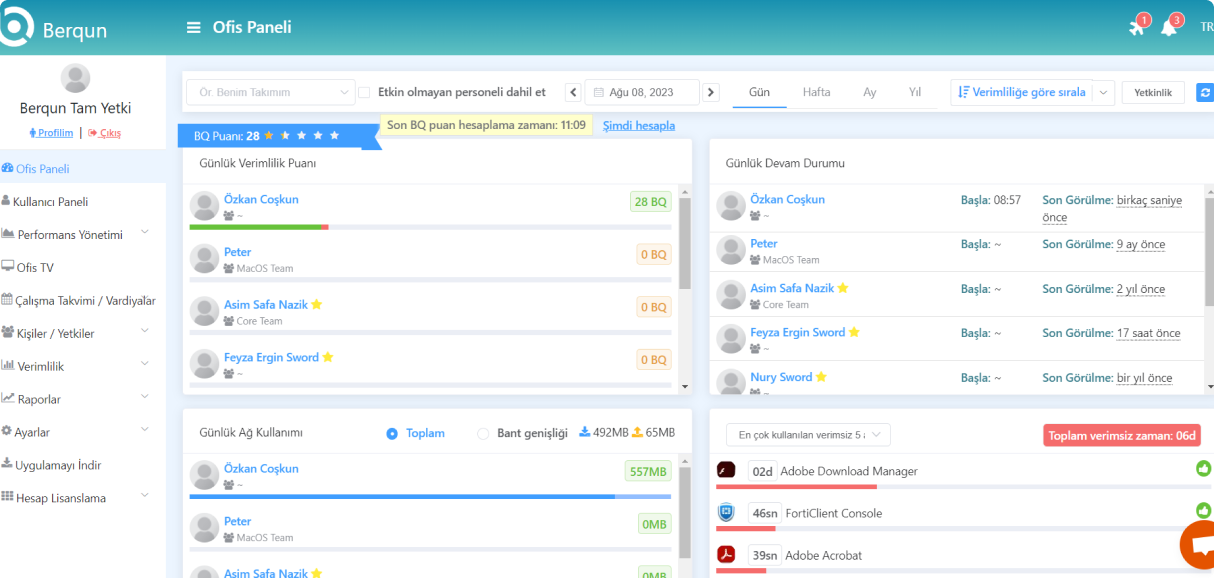
Step 2
After your account is created, you need to verify your account using the email address you registered with. Once you complete this step, the 7-day trial version of your account will be activated.
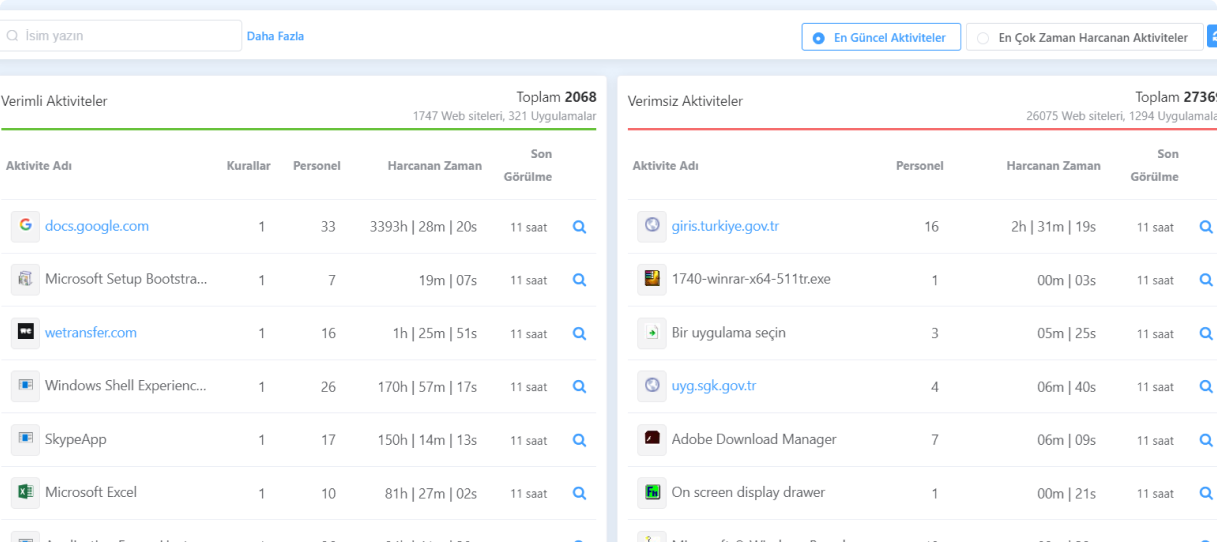
Step 3
Now that you have completed account registration and email verification, you are ready to download the Berqun agent!
After selecting Windows or macOS based on the operating system of the computer you are using, you can start the download process.
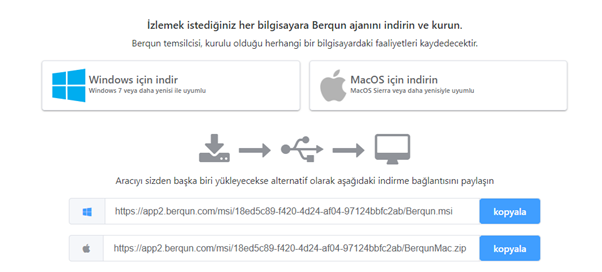
To install the Berqun agent on your computer, you can read our article titled “Installing the Berqun Agent”.