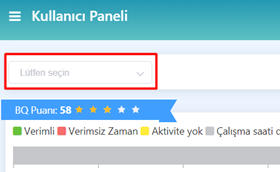
User Selection
This article is a machine-translated draft and will be reviewed shortly.
After logging in to the User Panel, you should go to the “User Selection” section located at the top of the screen.
From here you can select any employee you want. The productivity data of the selected employee will be loaded automatically.