
Installing the Berqun Agent
This article is a machine-translated draft and will be reviewed shortly.
After completing your account registration and verification, we can begin the installation process.
Step 1 - Downloading the Agent
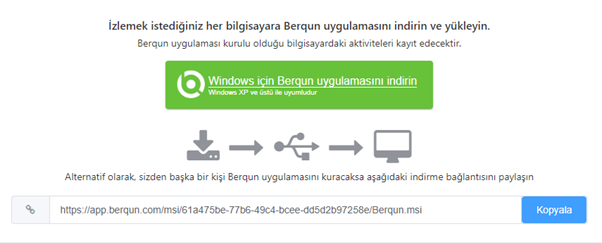
To install the Berqun agent on your computer, you should first select either Windows or macOS depending on which operating system is suitable for your device, then click the “Download” button.
If you want to install it on different devices, you can open the “download link” located below the download button on the other device and start the download process there.
Step 2 - Agent Installation and Verification
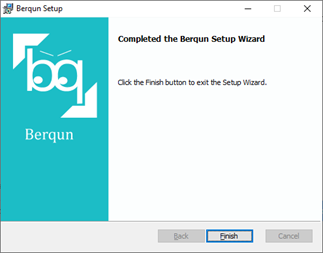
After completing the download, you can double-click the “Berqun Setup” file to start the installation.
! Important Information
After the Berqun agent is installed, the system installs the agent in hidden mode by default. If you do not want it to be hidden, you can manage this through the Task Manager.
The Berqun agent has a main program and a controller running on the operating system (Netl.exe, Srvc.exe). The controller’s role is to automatically start the Berqun agent if it is not actively running.