
How to Configure BQ Score Calculation Settings
This article is a machine-translated draft and will be reviewed shortly.
BQ Score is the core performance metric of the Berqun application. This score is used to determine employees’ productivity levels. The BQ Score is generated by evaluating employees’ activity durations, activities, and productive working habits. It is important for measuring work performance objectively.
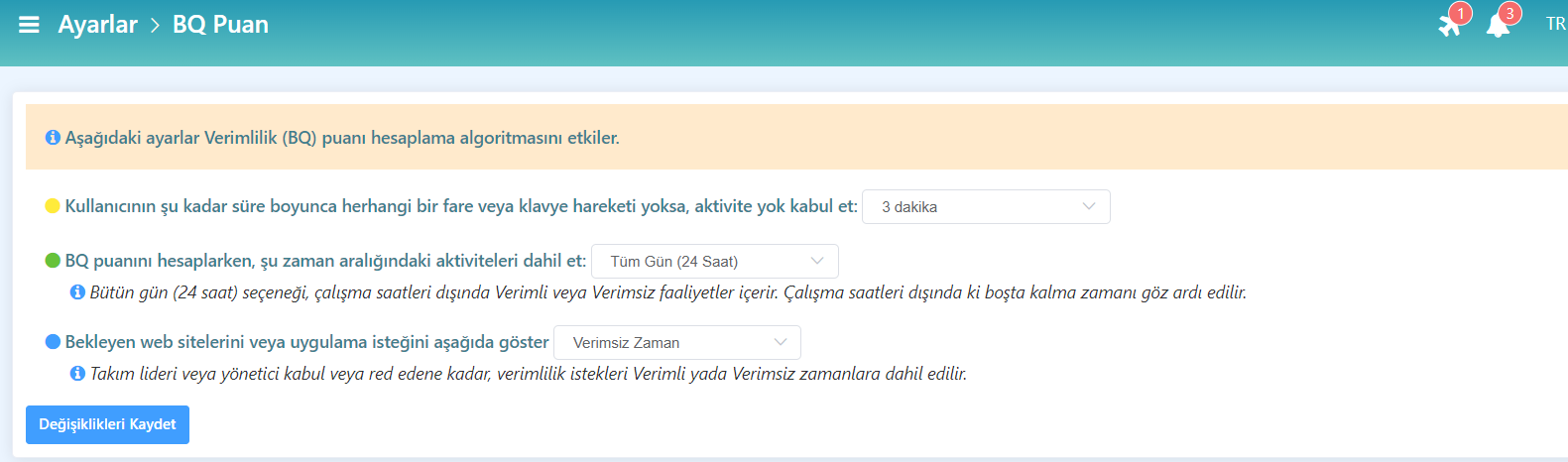
The BQ Score has important settings that affect the productivity (BQ) score calculation algorithm:
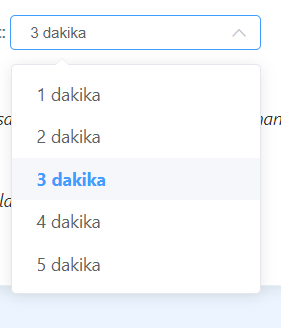
**No Activity Acceptance Period: **
If users do not perform any mouse or keyboard movement for a certain period of time, it is assumed that no activity has taken place during that period. You can set this duration yourself.
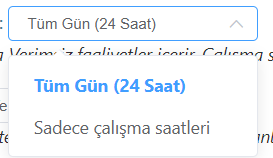
Activity Time Range for Calculation: All Day (24 Hours)
This setting includes a 24-hour period when calculating the BQ score. It includes Productive and Unproductive activities within this period. Idle time outside of working hours is not included in the calculation.
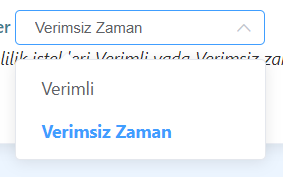
Pending Website or Application Requests: Unproductive Time
Until the team leader or manager decides whether certain website or application requests should be included in the productivity evaluation, such activities are considered as Unproductive Time.
These settings are used to evaluate employee productivity objectively and effectively.