Managing Productivity Requests
This article is a machine-translated draft and will be reviewed shortly.
In Berqun’s Productivity Panel, employees’ productive activity and time interval requests are managed across three tabs: Pending Requests, Approved Requests and Rejected Requests.
Pending Requests
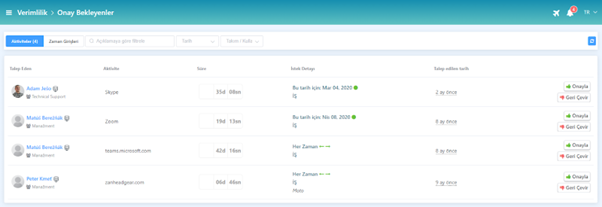
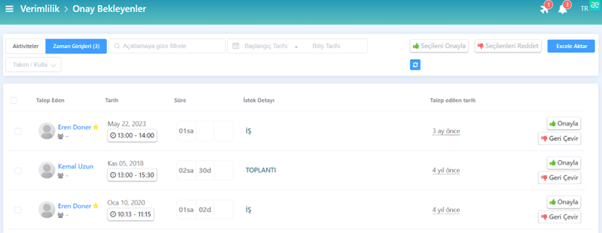
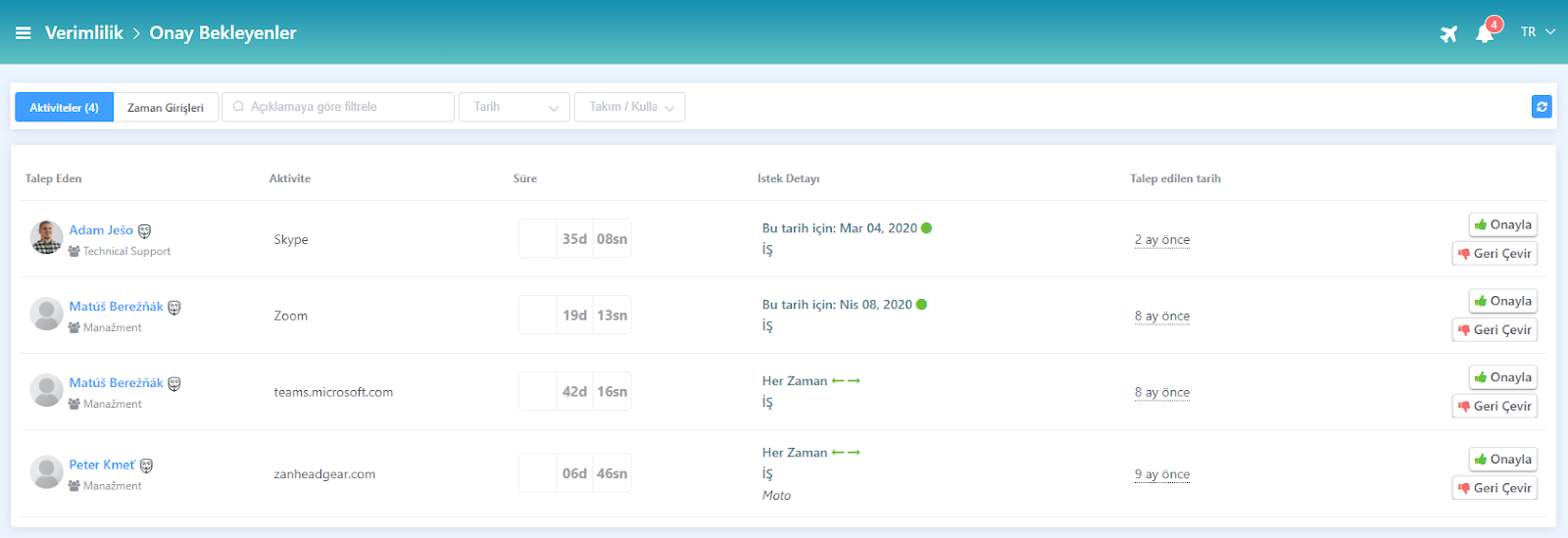
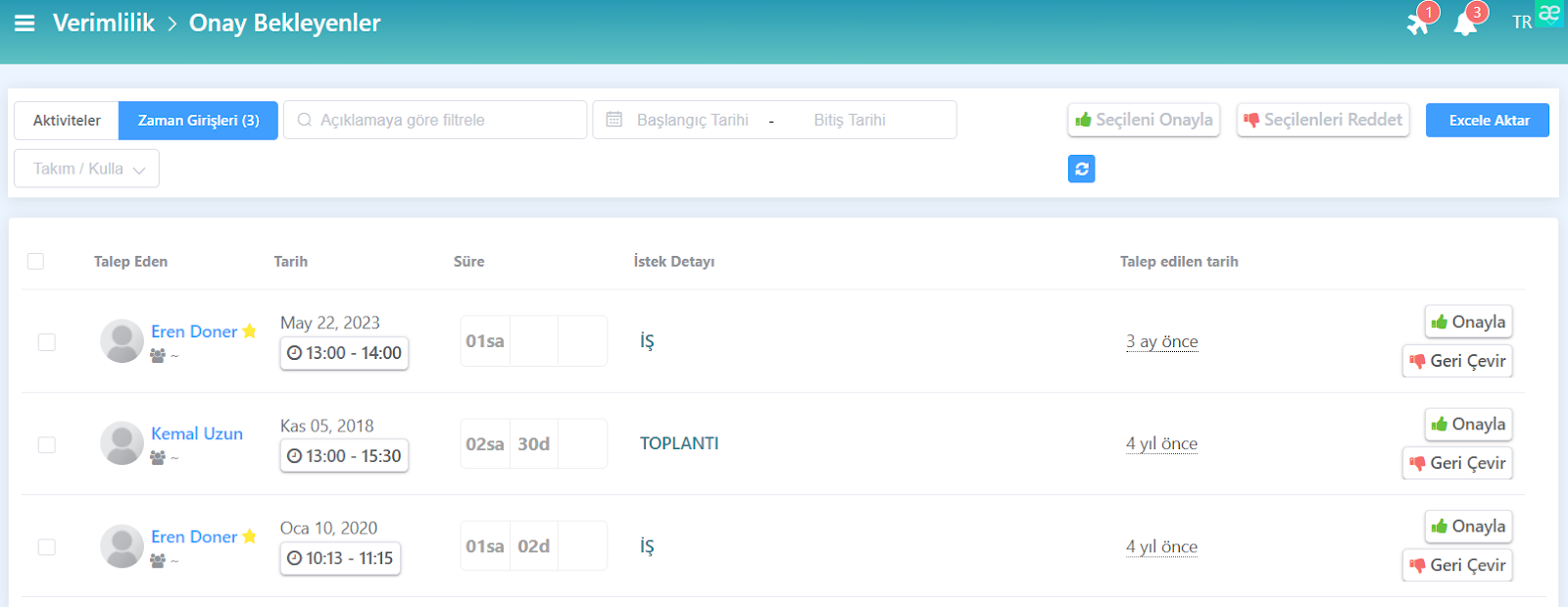
By clicking the Pending Requests tab in the Productivity Panel, you can view employees’ requests awaiting approval for productive activities or time interval requests.
You can process requests using the “Approve” or “Reject” buttons located next to each request.
Approved Requests
By clicking the Approved Requests tab, you can view employees’ previously approved productive activity requests or time interval requests.
Productive time interval requests can be cancelled when needed by using the “Undo” button.
Rejected Requests
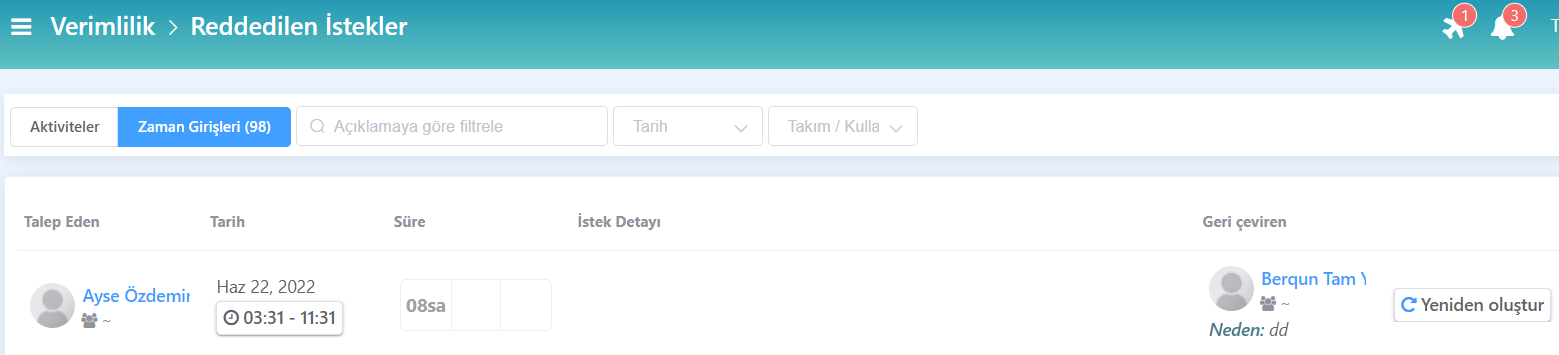
By clicking the Rejected Requests tab, you can view employees’ previously rejected productive activity requests or time interval requests.
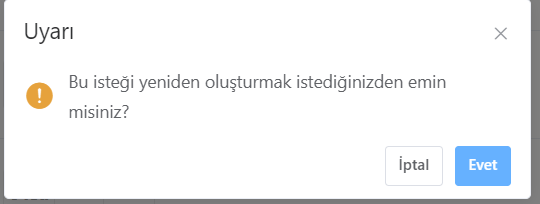
When needed, you can recreate the request using the “Recreate” button.